


Create a box
- Login to platform

2. Select “Setting”
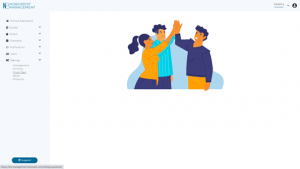
3. Select “Boxes” in drop down menu
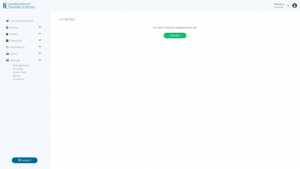
4. Click on “Add Box”
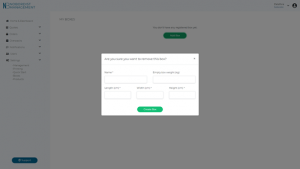
5. Fill the following fields :
- Name: Name of your custom box
- Length (cm)
- Width (cm)
- Height (cm)
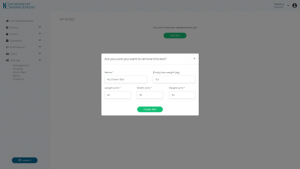
6. Click on “Create Box”
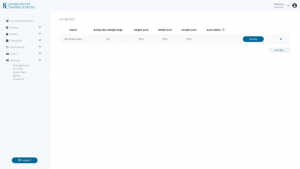
7. If you want to add another box : Click on “Add Box”