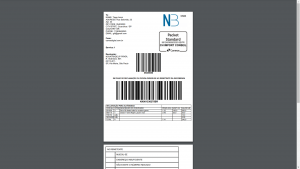
Download & print your shipping documents
- Select “Order”
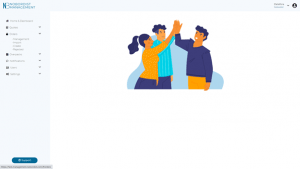
2. Select “Management” in the drop-down menu
3. Your orders appears
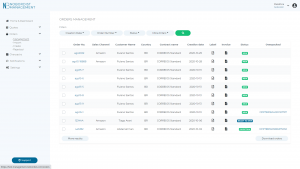
4. Select the orders you want to download and print
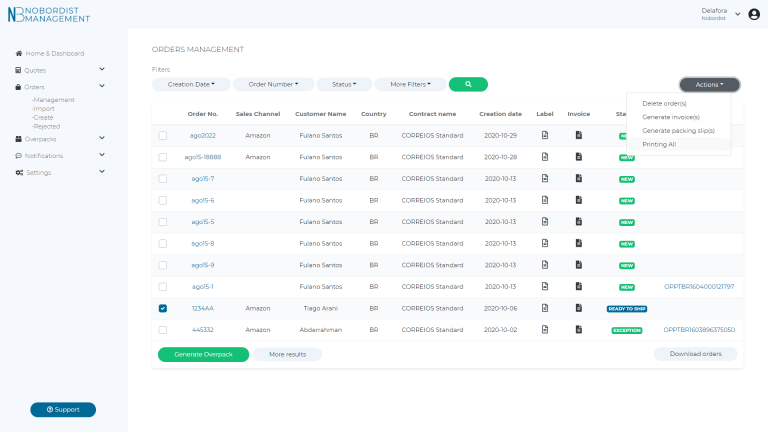
5. Select “Actions”
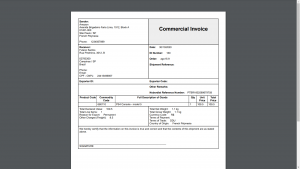
6. Generate invoice(s)
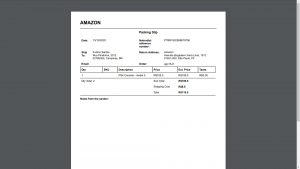
7. Generate packing slip(s)
8. Printing all to print download & print all documents
9. You can also download the label by clicking on the icon label of your order