


How to edit your Orders
- Select “Order”

2. Select “Management” in the drop-down menu
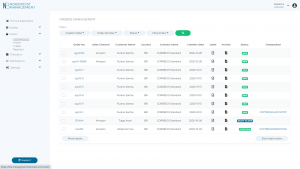
3. Select the orders you want to edit by clicking on their “Order No.”
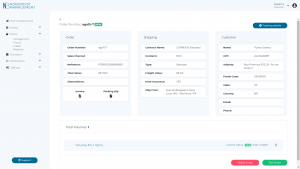
4. Select the field you want to modify
5. Click on “Update Order”
2. Select “Management” in the drop-down menu
3. Select the orders you want to edit by clicking on their “Order No.”
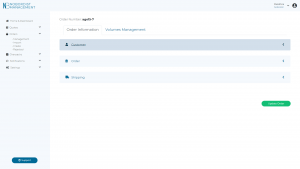
4. Select the field you want to modify
5. Click on “Update Order”