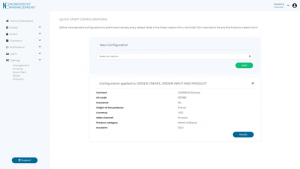
Quick Start Configurations
- Login to platform

2. Select “Setting”
3. Select “Quick Start” in drop down menu
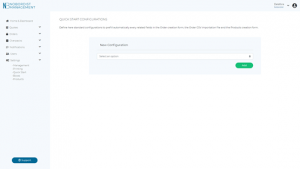
Define here standard configurations to prefill automatically every related fields in the Order creation form, the Order CSV importation file and the products creation form.
Click on “Select an option”
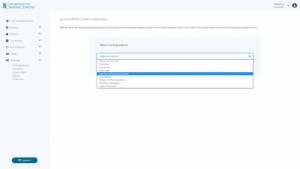
- Select the configuration you wish to settle for your organization :
- Contract
- Currency
- HS Code
- Incoterm (Taxes & Duties)
- Insurance
- Origin of the products
- Products category
- Sales Channel
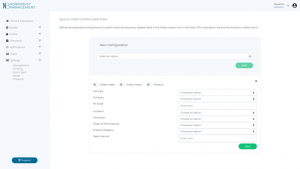
For the example, I decided to select all configurations
- Select 1,2 or 3 options where your configurations will apply
- Order create : When you create manually your orders
- Order import : When you import your orders
- Product : When you import you products in Nobordist Platform
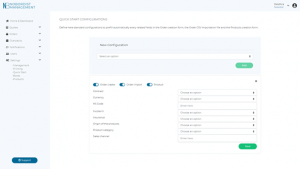
- You can now set your configurations :
- Contract
- Correios Standard: This service is not available on our platform at the moment.
- Correios Express:
- Currency
- USD : US Dollars $
- BRL : Brazilian Reais $
- HS Code
- If you don’t have this information, please contact you Nobordist Account Manager for more information
- Incoterm (Taxes & Duties)
- DDU (Taxes & duties are paid by the receiver)
- DDP (Taxes and Duties are paid by the sender)
- Insurance: 1.75% of the order market value (Minimum of $5 USD/ shipment)
- Select Yes if you want to activate our insurance on your shipment
- Or select No otherwise
- Origin of the products : Where your product has been produced
- Products category: For example: Computers & Laptops
- Sales channel: For example: Shopify / Amazon
- Contract
Click on “Save”